
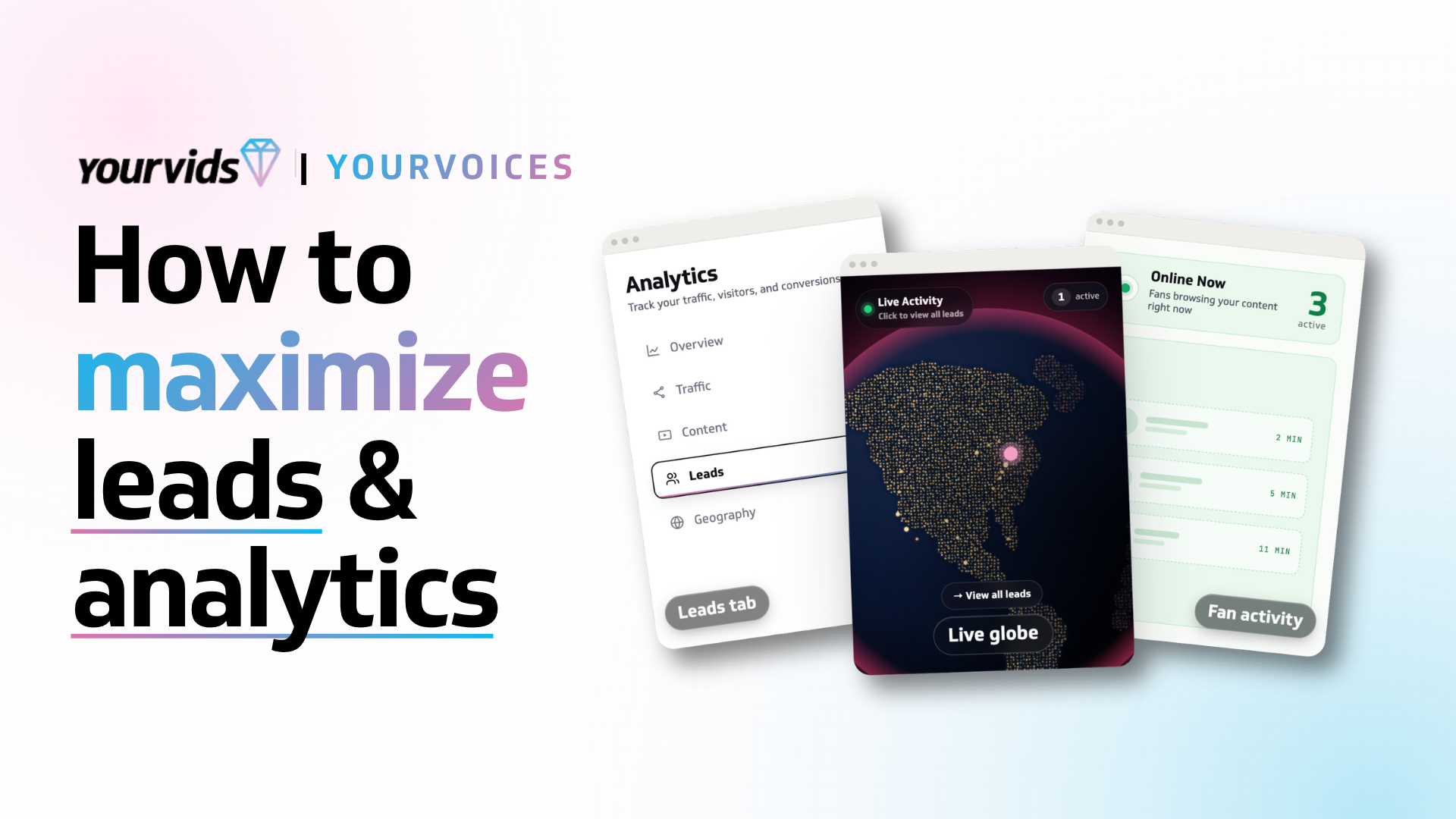
How To Maximize Leads and Analytics Features
YourVids offers an in-depth look into analytics and potential conversion leads for creators to maximize their potential customer conversions!
Understanding your audience and what converts into sales is one of the most crucial pieces of information you can have as an adult content creator. Without knowing what websites are converting into profile visits, what tags and categories are getting you clicks, and what gets views versus what doesn't... you're basically just taking a shot in the dark on any content that you create and release. That's what makes YourVids different - it's more than just basic analytics! It's in depth information that helps you as a content creator make educated decisions on your content production, marketing locations, and tag/niche priority. The leads and analytics features on YourVids are unlike any other existing platform because they offer you insight into everything!
Understanding Leads and How to Utilize Them in Your Workflow
The leads feature allows you as a creator to see what YourVids users are engaging with your content or profile in some way. The tool will even show you "live leads" when you have active viewers on your profile so that you can engage with them through messaging in real time while they're online! Leads are sorted into "Hot," "Engaged," and "New."
Hot leads are your leads that are most likely to result in sales because these are fans that are engaging with your content regularly by viewing it or by viewing your profile. If you're a creator that is comfortable with "cold messaging," then your hot leads will be the best place to start. These leads have had you on their mind and they're considering grabbing a piece of content, if you can entice them a bit more with a discount code through messaging or even a message saying "Hello!" then you'll probably end up getting a sale.
Engaged leads are halfway to hot, they aren't quite as obsessed with you yet but there is still potential there to turn them into a regular visitor. While the conversion potential isn't as high as your hot leads, your engaged leads still have potential to result in conversions if you're comfortable with "cold messaging." New leads are people that are fresh to your profile and are checking it out for the first time. They're less likely to convert from messaging than the other 2 lead options but they have shown interest in your content.
The best way to utilize the leads tool is generally to message your hot or engaged leads with promotional information like discount codes on content, extended content previews, "freebies" like photos, or even just start a conversation if their profile username sparks some sort of common interest. You can also view their member profile and see their most frequently purchased tags under their username so you can use this as a way to further vet their potential interest in your content before you reach out.
You can find your leads under the analytics tab on your creator dashboard and get started doing some outreach to fans with high conversion potential!
Analytics, and More Analytics, and Yes... Even More Analytics
YourVids is nowhere near lacking in analytics! You've got an analytics tab within your creator dashboard that has a general overview that shows your views over time, top traffic source, most viewed content, and peak traffic hour. You also have the traffic sources tab within analytics that shows you the top ten highest URL referrals to your profile and your traffic sources and how well they're converting. You can also visit the content page to see analytics on your videos, boutique, and bundles including total views. This is all filterable by today, yesterday, 7 days, 30 days, and 90 days so you can gather information regarding your analytics over large windows of time.
You can also access video, boutique, and bundle analytics on specific listings by going to the relevant tab from your creator dashboard. For example: if you want to check a specific video for it's analytics, you can go to the vids tab, and then click the video title from within your content list and it will pop out a window with in-depth analytics. You'll be able to see the total views, unique visitors, conversion rate, revenue, hearts, amount of wishlists it's on, comments, top referrers, engagement over time (with a cute little chart), traffic sources, top countries providing viewership, and a list of the YourVids users that have viewed the video.
Using information from analytics is a great way to save yourself time through trial and error by researching what is really working for you. This applies to the type of content you're producing and the websites and social media platforms you're using to advertise. A lot of creators struggle to identify if specific social media platforms are actually resulting in sales for them and tend to over-exert themselves through having a wide reach on multiple social media platforms when realistically they may not need to be marketing themselves as widely as they are. These creators can apply the information they learn through analytics to make brand conscious decisions and focus their energy on platforms that will result in financial conversions for them rather than wasting time in places that don't result in income.
Can Leads and Analytics Still Help Me If I'm Not Comfortable Messaging Fans First?
Leads and analytics are still very helpful to creators even if they don't use the information for direct outreach to fans on-site. These tools provide creators with a better idea of what is grabbing viewer attention which provides them with better data for the type of content that will provide them with more views. Typically, more views means more conversion potential. Creators can apply the information they learn from their leads and analytics to the future content that they create so they're putting out content more frequently that their followers and fans have shown interest in. Analytics are also great for creators to learn from to eliminate "time sink" platforms from their advertising rotation and to track how well creator cross promotion impacts their profile and content through things like SFS!

Comments
0 comments
No comments yet. Be the first to share your thoughts!
MORE TO READ
Featuring The Features
A Perfect (Your)10 - YourVids Perk Program
Sep 24
8 min
Featuring The Features
Community: The Forum That Puts Creators First
Apr 30
11 min
Featuring The Features
Optimize Your Video and Boutique Listings for More Conversions
Apr 22
7 min
Featuring The Features
How To Use the Custom Link Slug Feature
Apr 22
2 min