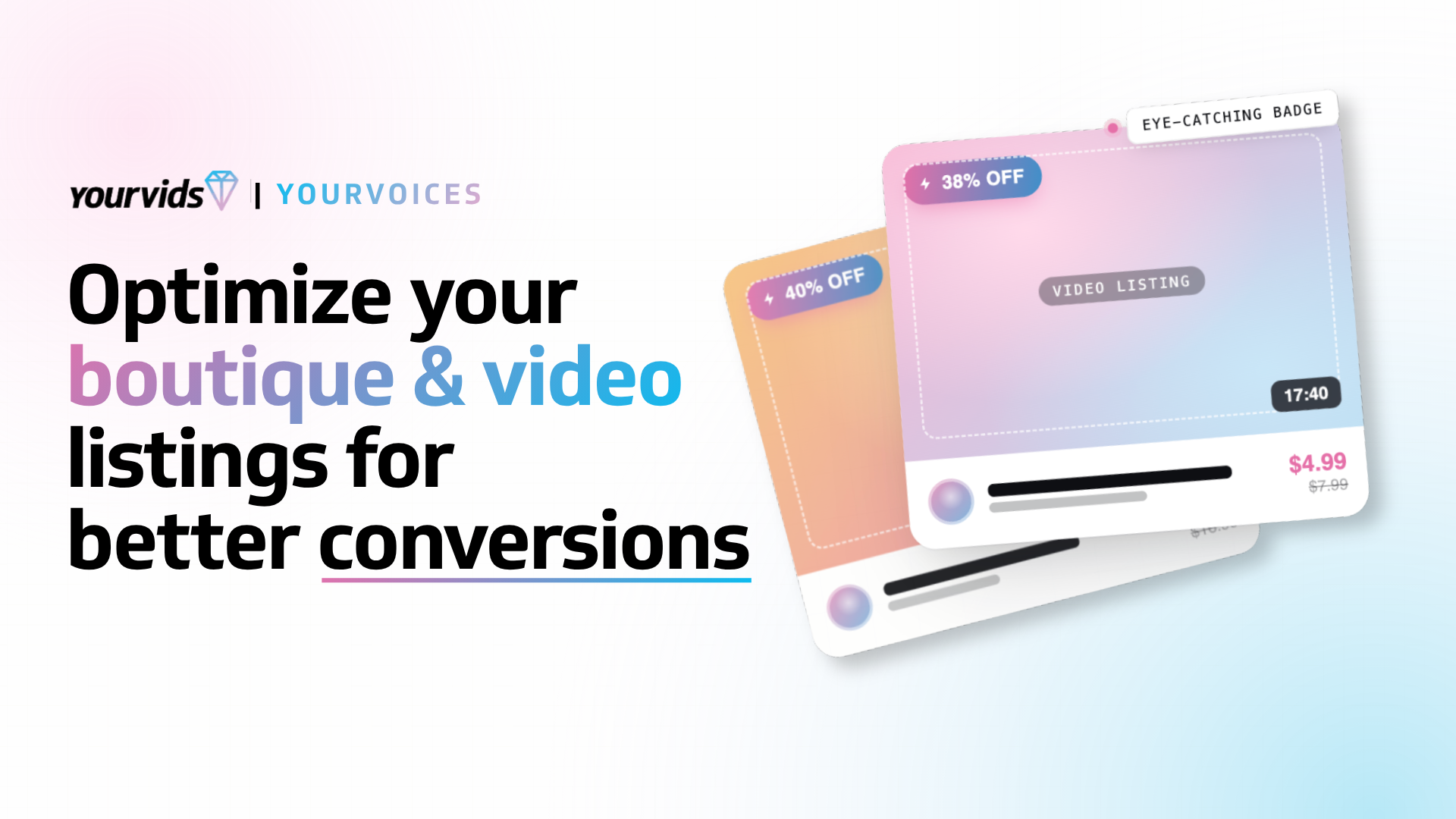
Optimize Your Video and Boutique Listings for More Conversions
A short and sweet guide to optimizing your content listings on YourVids to increase your traffic and earning potential.
Optimizing your content listings on YourVids is important to make sure you’re getting as much traffic as possible to your amazing content. There are many creators who produce incredible content but might not get as many eyes across their content because they aren’t ensuring that their videos, boutique items, and bundles are optimized for the keyword and tag searching that many clip sites including YourVids utilize to show fans your content when they are searching. Here are some basic practices you can do when creating your listings to ensure that you’re being efficient when posting; giving you more money in your pocket and better social reach.
Creating optimized descriptions for your listings
One of the most important parts of selling your content including videos, boutique items, and bundles is ensuring that the fans know what to expect upon purchasing your content. Your description is the essential piece of your listing that gives fans an idea of what they can anticipate but it’s also a great asset in your on-site marketing. While you write out your description it’s important to keep a few things in mind:
- Is my description specific enough to avoid confusion but also teases enough to entice the potential buyer to proceed with the purchase? Using language that converts will be a major component in getting viewers to become buyers. Adding your own personal flare and excitement and building a sense of urgency will catch the attention of readers.
- Is my description using enough variety in wording? There’s a huge variety of synonyms for descriptors and assets in the porn world and there is no way for you to know exactly which one a fan will search for, “tits,” or “boobs,” or maybe even “breasts.” When you’re writing your description, rather than using the same term repeatedly, you can try to mix up the words so your description will match for more potential keywords in search results.
- Does my description mention me? Your description on YourVids offers more than just keyword acquisition through YourVids. It also offers potential keyword conversions from search engines when fans look up your name! While your name being on your profile is already terrific, having your name mentioned in your description will also let search engines more closely associate YourVids with you and your brand which will provide better search engine results for fans looking for you.
- Is my description adjective rich and evoking emotion? Only typing out what happens with no juicy adjectives can leave viewers unsure of the emotion you’re trying to convey. You can use descriptors to add personality to you description as well as emotional depth. Your description will become 10x hotter to viewers when you tell them the emotion they should intend to feel when watching the content. Rather than “my big boobs bounced up and down,” you can instead say “my soft natural big boobs bounced up and down, your jaw will drop to the floor seeing my luscious tits.” YourVids has a very generous character limit for descriptions on content and I highly encourage you to use it!
Once you become a master at describing your content then you’ll notice that new buyers and existing fans will have an easier time finding content from you that they enjoy which will lead to better conversions and better customer retention. Horny fans don’t necessarily want to waste time clicking around to find something they’ll like when the mood hits so when you optimize your descriptions to make their search easier then they are more likely to spend on you.
Appeal to visual shoppers with better previews and thumbnails
Keywords, categories, and titles are all very important to connect with buyers through search but you will also want to enhance your storefront to be visually appealing as well. There are basic tools to do this on YourVids including the auto-generated thumbnails and preview creator but you can take this a step further by creating your own thumbnails and previews using external software and tools.
- Thumbnails: Visually attractive thumbnails that display multiple shots of your scene or one very good shot, keywords that fans can easily read and distinguish, and cute aesthetics that show your personality will help to draw in more buyers. Once you’ve nailed down your thumbnail style you can even create a template for it using a service like Canva so that you can establish brand consistency and recognizability for your clips or boutique items.
- Video Previews: Video previews can be a little more complex to nail down versus thumbnail creation but thanks to the 30 second limit for YourVids video previews, you have a lot of room to show the best parts of your content and let it speak for itself. There’s no right or wrong way to create a preview video; some creators prefer to show the climactic parts to draw fans in and this works great when your video contains multiple climactic elements while others will put in more teasing parts when the content is more streamlined to entice them to buy and see “the big thing.” Every method can work as long as it fits into your content style and workflow.
Utilize tags appropriately and efficiently
On YourVids we have the opportunity to add up to 10 tags to our video listings as well as 10 tags to our profiles and it’s important that anywhere where tag space is provided to you, you freakin’ use it! While keywords are wonderful and great for being used as a search tool, tags help you to tell fans what the main components of your video or boutique item are. When you’re creating listings you should always try to use as many tags as possible and really consider things that you may not normally think to tag if you’re not already utilizing all of your tag space. Things like hair color, size, video resolution, video length, video orientation, sexual orientation, quantity of people in the video, and plenty more can all be added to your tags on a video if you find yourself struggling to fill all 10 tags. Never leave unfilled tag space!
If you get too creative with your wording, it might impact your reach
One of the most incredible parts about working as an adult content creator is the creativity you’re able to express in your content creation, editing, and title creation. Unfortunately, if you get too creative and forget to include some relevant and descriptive words to your titles and descriptions you can actually lose potential reach on-site. I’ll give you an example: I had a video that I (in my infinite all-knowing genius) decided to title just “Ultraviolet.” When you read that, do you have any idea what that video is about? Probably not. I thought it was very cool and that my fans would absolutely love that title and think it was neat but they didn’t… because a lot of them didn’t even end up seeing it. When they were searching on my profile for “Lesbian Kissing” or “Body Paint” (which “Ultraviolet” actually contained, you never would’ve guessed that!) was my amazingly titled “Ultraviolet” showing at the top? No… no it was not. Since titles on YourVids can be up to 100 characters, you have a lot of space to use creative words and puns or whatever else tickles your pickle but make sure you also use relevant words that will connect you with the audience that wants to buy your content.
Comments
0 comments
No comments yet. Be the first to share your thoughts!
MORE TO READ
Featuring The Features
A Perfect (Your)10 - YourVids Perk Program
Sep 24
8 min
Featuring The Features
Community: The Forum That Puts Creators First
Apr 30
11 min
Featuring The Features
How To Maximize Leads and Analytics Features
Apr 22
6 min
Featuring The Features
How To Use the Custom Link Slug Feature
Apr 22
2 min